Doodle Basketball Guides Hub
Stick-figure basketball tutorials for notebook courts in doodle city — from first queue to clean dunks.
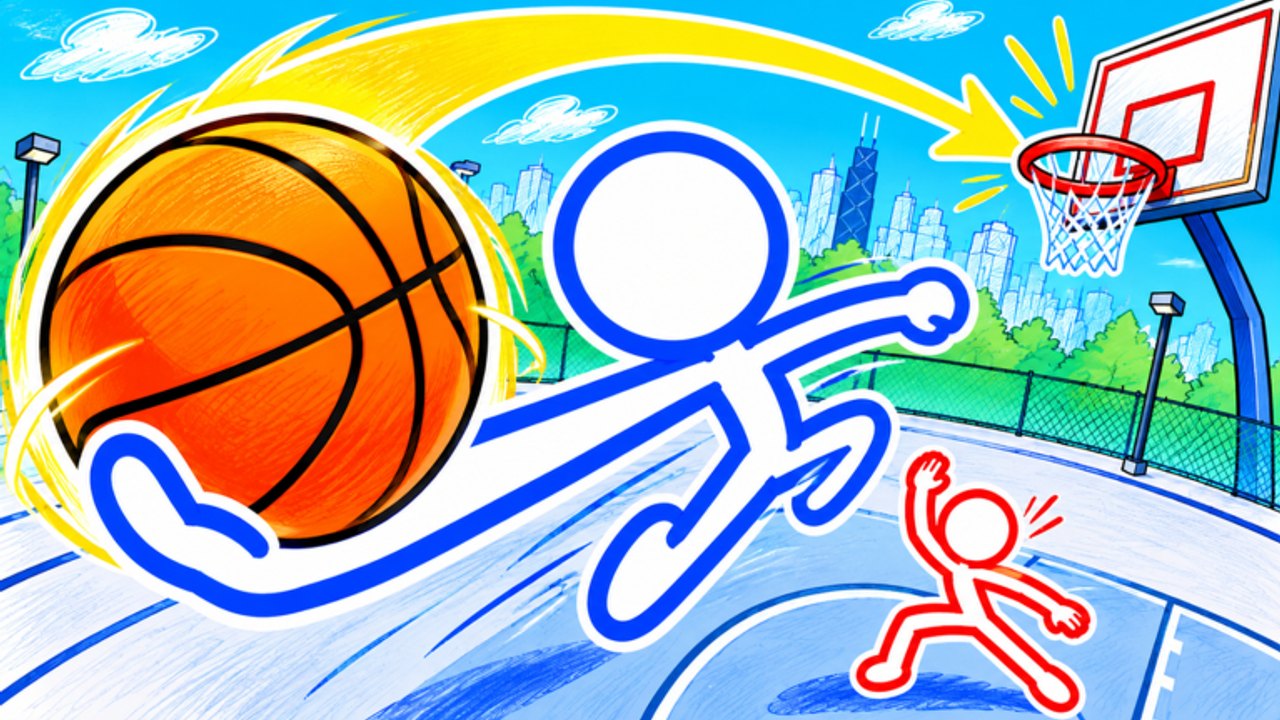
Welcome to the Guides Hub for Doodle Basketball by Doodle Sports on Roblox. This page indexes every how-to on the wiki so you can jump from day-one onboarding to shooting timing, defense, quests, tips, customization, and mode-specific advice without hunting through the lobby.
Doodle Basketball dropped on 2026-10-15 (place 70792765211718). You play as a stick figure on notebook courts inside a doodle city, lining up 1v1, 2v2, and 3v3 matches (the Roblox title also brands 5v5). The loop is simple: queue a court, break ankles, knock down threes, throw down dunks, then spend Coins, XP, Reps, and crate pulls on mascots, outfits, and balls.
Use this hub as your map. Each card below links a deep guide. Cross-link related hubs like Codes, the Tier List, Players, Scripts, and Updates when you need rewards, rankings, or patch notes.
Start here if you are new
- Read Getting Started for a full first-session checklist: join the experience, pick a mode, finish an early match, redeem DOODLECODES in Shop → Codes, clear starter quests, and make a light cosmetic pass.
- Skim Controls before your second queue so movement, shoot, dunk, pass, steal, and block inputs feel natural on PC or mobile.
- Open Game Modes when you decide whether solo 1v1 or team 2v2/3v3 fits your mood.
- Use Quests and Rewards so every warm-up also banks Coins, XP, Reps, and Crates.
New accounts waste the most time ignoring free rewards. Claim codes first, then treat quests as your Coins / XP / Reps / Crates pipeline while you learn timing.
Skill guides
- Shooting and Dunking — release windows for threes, when to attack the rim, how to create space, and how to stop contested bricks.
- Defense and Blocking — contain drives, time contests, steal with discipline, and guard each mode size.
- Controls — WASD and mobile tap patterns common to doodle-style Roblox basketball, plus honesty about device-specific binds and in-game settings checks.
- Customization — mascots, outfits, balls, shop economy, and crate value (including the Alien Crate from codes).
- Tips and Tricks — warm-up routines, clutch habits, and session templates that win more queues.
Practice order that works for most players: free-throw / open-court timing → drive finishes → contested shots → defensive closeouts → full matches.
Mode, quests, and meta pages
Team size changes spacing and etiquette. Solo 1v1 rewards isolation and stamina. 2v2 needs one primary ball-handler and a cutter. 3v3 spreads roles across handler, wing, and rim protector. Read Game Modes before you spam queues with friends.
When you care about looks as much as wins, pair Customization with the Cosmetics Tier List, Playstyles, and community Players profiles. Patch cadence lives under Updates — start with October 2026 Launch and November 2026.
How to use this wiki while you play
Keep the Guides Hub bookmarked alongside Codes. After each session, note one mechanic that felt awkward (late releases, missed dunks, bad passes, gambling steals) and reopen the matching article. Avoid grinding cosmetics before you can finish at the rim; style does not fix bricks.
If you are returning after a break, skim Updates, redeem any new codes, clear dailies, then run a short 1v1 warm-up before diving into 3v3. Official Discord (discord.com/invite/GjsE6yFBkd) is the best place for live code drops and court etiquette reminders.
Guide index with blurbs
| Guide | What you learn |
|---|---|
| Getting Started | Join, first match, codes, quests, light customize |
| Controls | PC/mobile inputs, practice drills, settings checks |
| Shooting and Dunking | Threes, dunk finishes, spacing, contested shots |
| Defense and Blocking | Contain, contest, steal discipline, mode defense |
| Quests and Rewards | Dailies, weeklies, Coins, XP, Reps, Crates |
| Tips and Tricks | Warm-ups, clutch habits, session templates |
| Customization | Mascots, outfits, balls, crates, shop loop |
| Game Modes | 1v1 / 2v2 / 3v3 roles, when to queue, etiquette |
Explore sibling hubs anytime: Scripts for automation notes the community discusses, Tier List for ranked cosmetics and playstyles, and Wiki for official links.
Recommended reading order
- Getting Started
- Controls
- Shooting and Dunking
- Defense and Blocking
- Quests and Rewards
- Game Modes
- Tips and Tricks
- Customization
That sequence keeps skill ahead of spending. Come back here whenever a new leaf guide ships — every tutorial on this wiki should remain linked from this hub so searchers never hit a dead end.
Frequently Asked Questions
Quick answers to the most common Doodle Basketball questions.
Which Doodle Basketball guide should I read first?
Start with Getting Started for the day-one loop (join, mode pick, codes, quests), then Controls before your second match.
Do these guides cover PC and mobile?
Yes. The Controls guide documents common WASD and tap patterns and tells you to verify binds in in-game settings because devices can differ.
Where do I redeem DOODLECODES?
Open the in-game Shop, choose the Codes tab, enter DOODLECODES, and redeem. Full steps live on the Codes hub and Getting Started guide.
Are dunks and threes covered separately from modes?
Yes. Shooting and Dunking focuses on timing and finishes; Game Modes explains when to use those skills in 1v1, 2v2, and 3v3.
How often should I revisit this hub?
After major updates or when a new guide appears. Cross-check Updates and Codes so rewards and mechanics stay aligned.