Doodle Basketball Controls Guide
Movement, shooting, dunking, passing, and defense inputs for stick-figure courts — verify binds in settings.
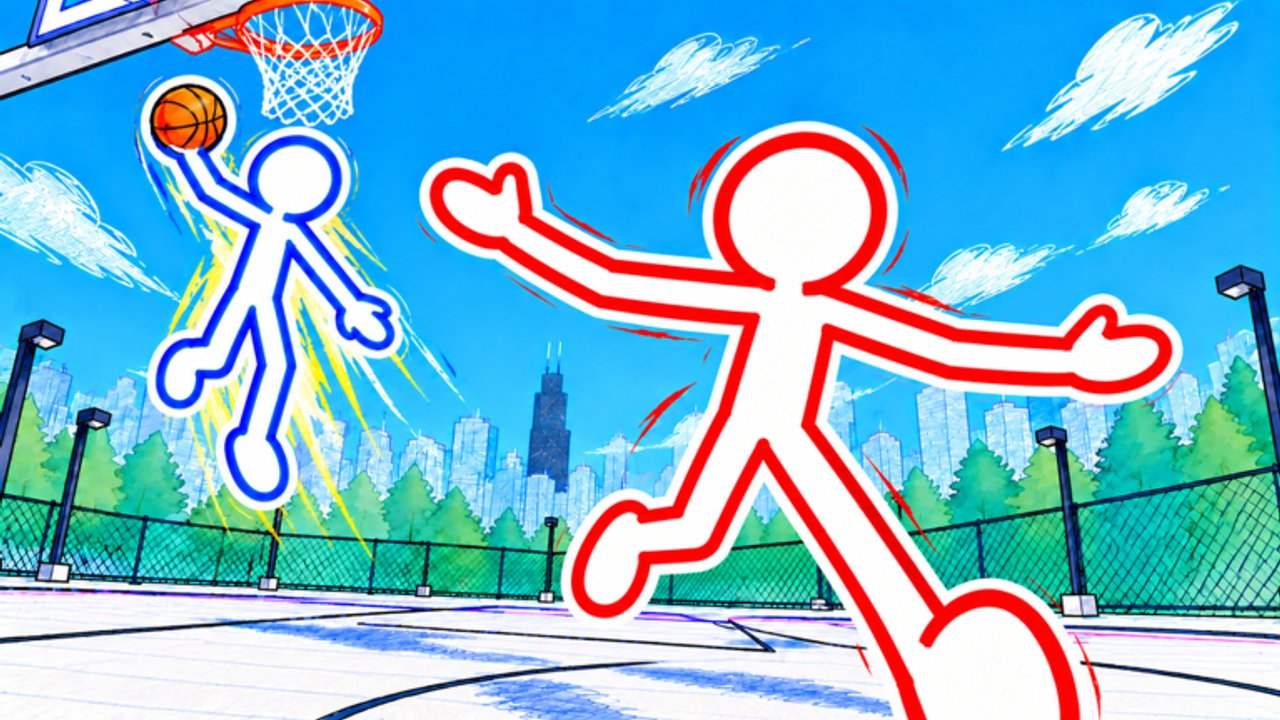
Clean inputs win more games than flashy cosmetics in Doodle Basketball. This controls guide covers the common patterns used across doodle-style Roblox basketball experiences on PC and mobile, then explains how to practice them on notebook courts. Exact keybinds can vary by device, platform skin, or patch — always open the in-game settings / controls menu and confirm what your client shows today.
If you have not finished onboarding, skim Getting Started first. Pair this page with Shooting and Dunking once the buttons feel natural, and use Game Modes to adapt habits for 1v1 versus team queues.
Important honesty about keybinds
Doodle Sports ships a readable stick-figure sports game, but Roblox clients (Windows, mobile touch, tablet, sometimes controller via touch mapping) do not always share one published chart. Treat the tables below as starting defaults seen across similar Roblox basketball titles and community clips — not a warranty that every key is frozen forever.
Before ranked pride matches:
- Open Settings and find Controls / Keybinds.
- Note Shoot, Dunk, Pass, Sprint, and Steal / Block actions.
- Remap anything that fights your hand layout.
- Play one private or casual match after remapping so muscle memory updates.
If a YouTube video disagrees with your HUD, trust your settings screen.
PC movement and camera
| Action | Common PC pattern | Practice cue |
|---|---|---|
| Move | W A S D | Small steps into space, not full-speed circles |
| Sprint / burst | Hold Shift (if present) | Burst to the rim, then gather |
| Camera | Mouse look | Keep hoop and defender in frame |
| Jump / gather | Space (often shared with dunk timing) | Jump with purpose near the paint |
Stay square to the basket when you plan a three. Side-strafing without resetting your feet is a common reason open looks brick.
PC offense: shoot, dunk, pass
| Action | Common PC pattern | Notes |
|---|---|---|
| Shoot / release | Hold shoot key (E or contextual shoot), release on timing | Many Roblox hoop games use a timing window — release in the clean zone |
| Pump fake | Quick tap of shoot without full release | Use sparingly; elite defenders bite less |
| Dunk / finish at rim | Drive + dunk / jump input near the basket | Needs momentum and angle; see shooting guide |
| Pass | Number keys or dedicated pass button toward teammate marker | Look at the receiver before you press |
| Switch hands / dribble flourish | Extra face buttons (R / skill keys if bound) | Cosmetic swagger second; protect the ball first |
On stick-figure courts, dunks feel exaggerated — that is intentional fantasy. You still need approach speed and a committed gather. Spamming jump from half court will not auto-dunk.
PC defense: steal and block
| Action | Common PC pattern | Discipline tip |
|---|---|---|
| Steal / swipe | Contextual steal key (often near interact / E variants) | Swipe when the ball is exposed, not on every dribble |
| Block / contest | Jump toward the shooter | Verticality first; avoid leaving your feet early |
| Body up | Move + stay between player and rim | Positioning beats random steals |
Over-stealing in 2v2 and 3v3 opens backdoor cuts. In 1v1, patience matters more because there is no help defense.
Mobile / touch patterns
Mobile players usually see on-screen sticks and action buttons:
- Left stick — movement around the notebook court.
- Camera drag — swipe empty space to keep the hoop visible.
- Shoot / Dunk button — often a shared green action; hold for shot timing, drive into the paint for dunk context.
- Pass button — tap when a teammate highlight appears.
- Steal / Block — separate defensive buttons; do not mash both at once.
Thumb fatigue is real. Lower graphics slightly if input lag appears, and avoid covering the shoot button with your camera thumb. If your device supports custom touch layouts inside Roblox, enlarge Shoot and Pass before competitive nights.
Controller note
Some players map a gamepad through Roblox. Expect shoot on a face / trigger button, dunk on a bumper or dedicated finish input, and pass on shoulder buttons — but verify in settings. Do not memorize another game’s Practical Basketball chart and assume it ports 1:1 into Doodle Basketball.
Practice drills that actually transfer
Spend ten minutes before friends arrive:
- Release ladder — five shots from short range, five from mid, five from three, focusing only on clean releases (Shooting and Dunking).
- Dunk approaches — start at the three-point line, gather speed, finish strong without changing direction last second.
- Pass targets — in 2v2/3v3 warm-ups, call a side and hit the cutter in stride.
- Closeout feet — sprint out on a shooter, jump straight up, land ready to recover.
- Steal discipline — play a full possession without stealing; only contest and contain.
Log which drill failed. Remap only after you know the miss was input conflict, not timing.
Mode-specific control habits
- 1v1 — prioritize shoot timing and dunk angles; pass binds matter less.
- 2v2 — pass accuracy becomes a win condition; bind Pass where you never miss-hit Shoot.
- 3v3 — defensive rotate keys / camera discipline matter; keep the weak-side cutter visible.
Read Game Modes for spacing etiquette so your improved inputs have a plan.
Troubleshooting bad inputs
| Symptom | Likely cause | Fix |
|---|---|---|
| Shots always early/late | Ignoring timing window | Slow the hold; watch the cue in Shooting guide |
| Dunk never triggers | No momentum / wrong distance | Start drive earlier; approach from an angle |
| Passes to nobody | Looking away from teammate | Center camera on receiver first |
| Random steals / turnovers | Mashing steal on mobile | Lift finger discipline; contain instead |
| Buttons feel swapped after patch | Settings reset | Re-open controls and rebind |
After controls feel good
Return to Getting Started if you still need codes or quests, then invest real reps in Shooting and Dunking. Cosmetics will not fix late releases — but once your hands are quiet, Customization is fair game.
Mastering controls is less about memorizing a wiki table and more about confirming your binds, then drilling them until dunks and threes feel boringly consistent.
Frequently Asked Questions
Quick answers to the most common Doodle Basketball questions.
Are Doodle Basketball keybinds the same on PC and mobile?
No. PC leans on WASD plus action keys; mobile uses on-screen sticks and buttons. Always confirm labels in the in-game settings menu.
Why does my dunk not trigger?
Dunks usually need approach speed and proximity to the rim. Sprint into the paint with a clear angle, then use the dunk/jump finish — do not spam jump from mid court.
Where do I remap controls?
Open the experience Settings and look for Controls or Keybinds. Remap Shoot, Pass, and Dunk so they never conflict, then test in a casual match.
Should I copy another Roblox basketball game's binds?
Use them only as inspiration. Doodle Basketball can differ after updates — trust your client's settings over another title's chart.
What should I practice first?
Clean shot releases, then dunk approaches, then pass accuracy if you play 2v2 or 3v3. Pair drills with the Shooting and Dunking guide.